Sale!

Custom Title Path


Original price was: $49.00.$39.00Current price is: $39.00.
Twist, bend and animate 2D and 3D titles along custom paths with 8 On Screen Controls.
- Description
- System requirement
Description
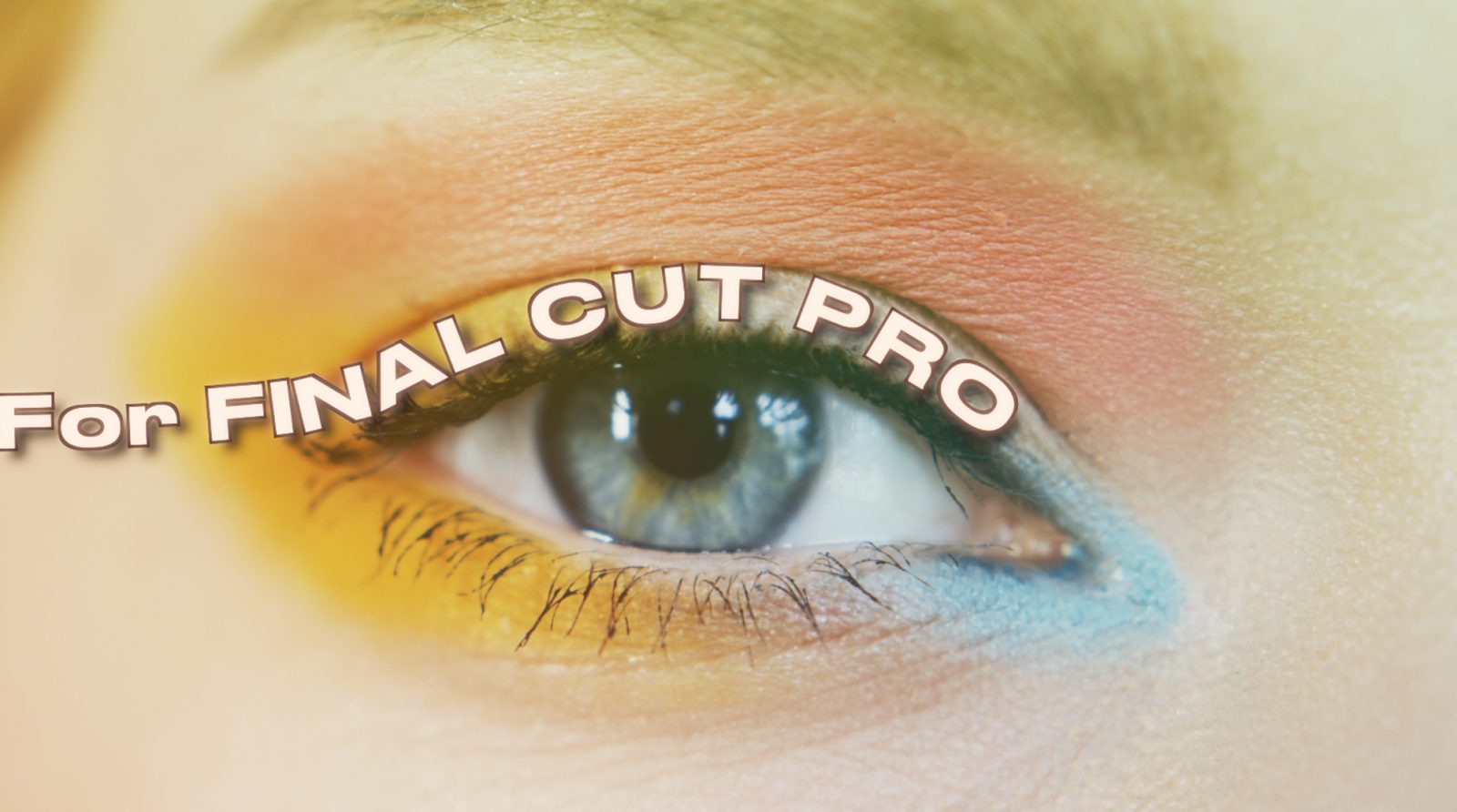
Take your kinetic typography and title design to the next level. Custom Title Paths gives you total control over how text moves in your video, allowing you to quickly bend, curve, twist, and animate 2D and 3D titles directly inside Final Cut Pro.
Key Features
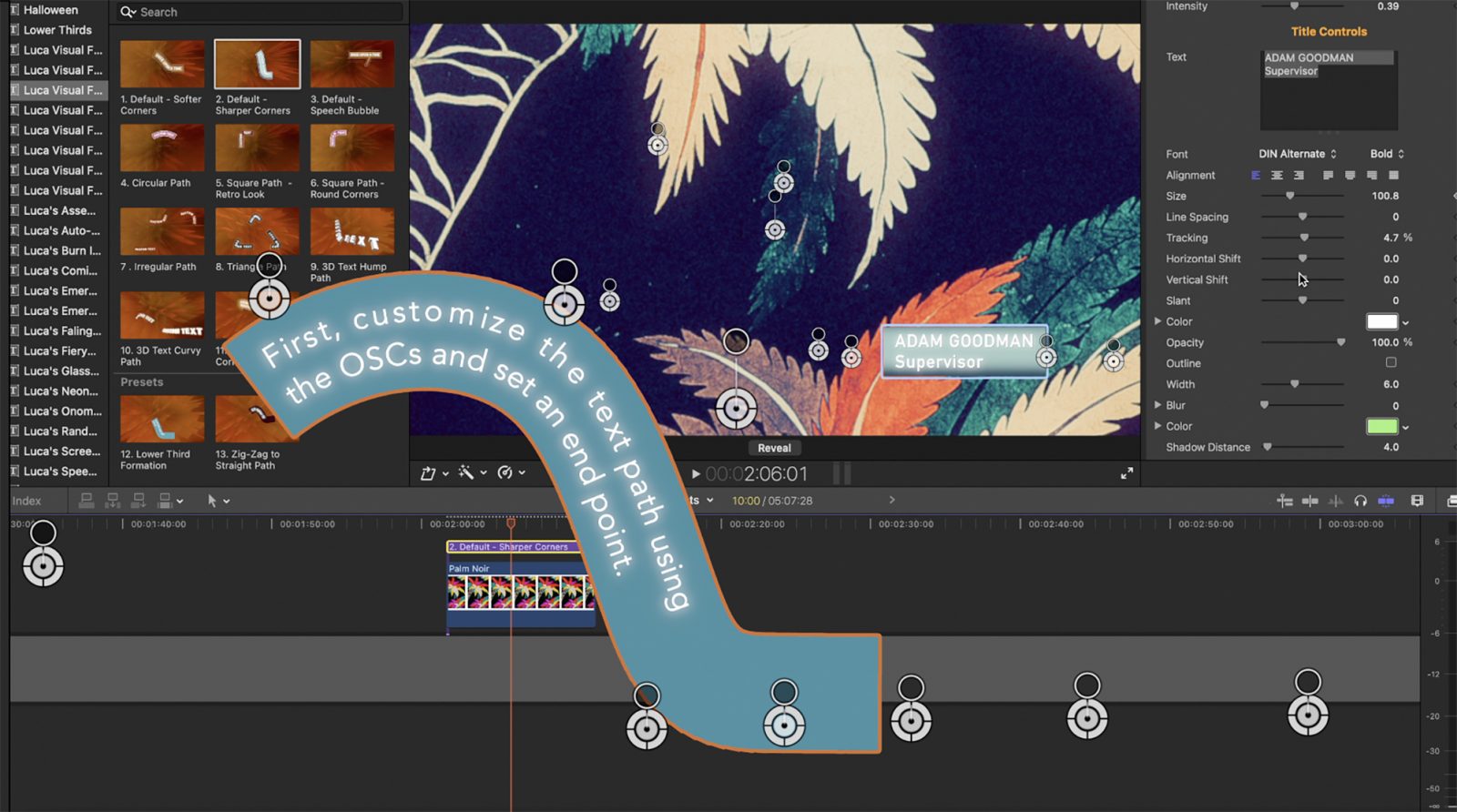
- Intuitive 8 OSC Control Grid: Precision control at your fingertips. Easily construct custom curves, waves, circles, and 3D paths right in the Viewer using 8 On-Screen Controls (OSCs), no tedious keyframing required.
- Full 2D & 3D Spatial Freedom: Move text seamlessly along X, Y, and Z axes. Orbit text around objects, depth-pass across your scene, or create cinematic 3D fly-throughs with native lighting and depth effects.
- Endless Customization Parameters: Fine-tune every aspect of your motion path with a comprehensive parameter library in the Inspector:
- Optional Background & Border Engine: Enhance readability and style instantly with a customizable background, solid/gradient fills, and outer borders that you can manually scale and align with your text path.
Perfect For:
- Commercials & Promo Videos, YouTube intros & Lower Thirds, Music Videos & Lyric Videos, Social Media Content (TikTok, Reels, Shorts) and much more.
Credits: Thanks to pexels.com and its community of videographers for many of the clips used in the demo


FCP X 10.8 or above, Mac OSX 13.5 or above, FxFactory 8.0.17 or above, a graphics card of at least 1GB is strongly recommended.